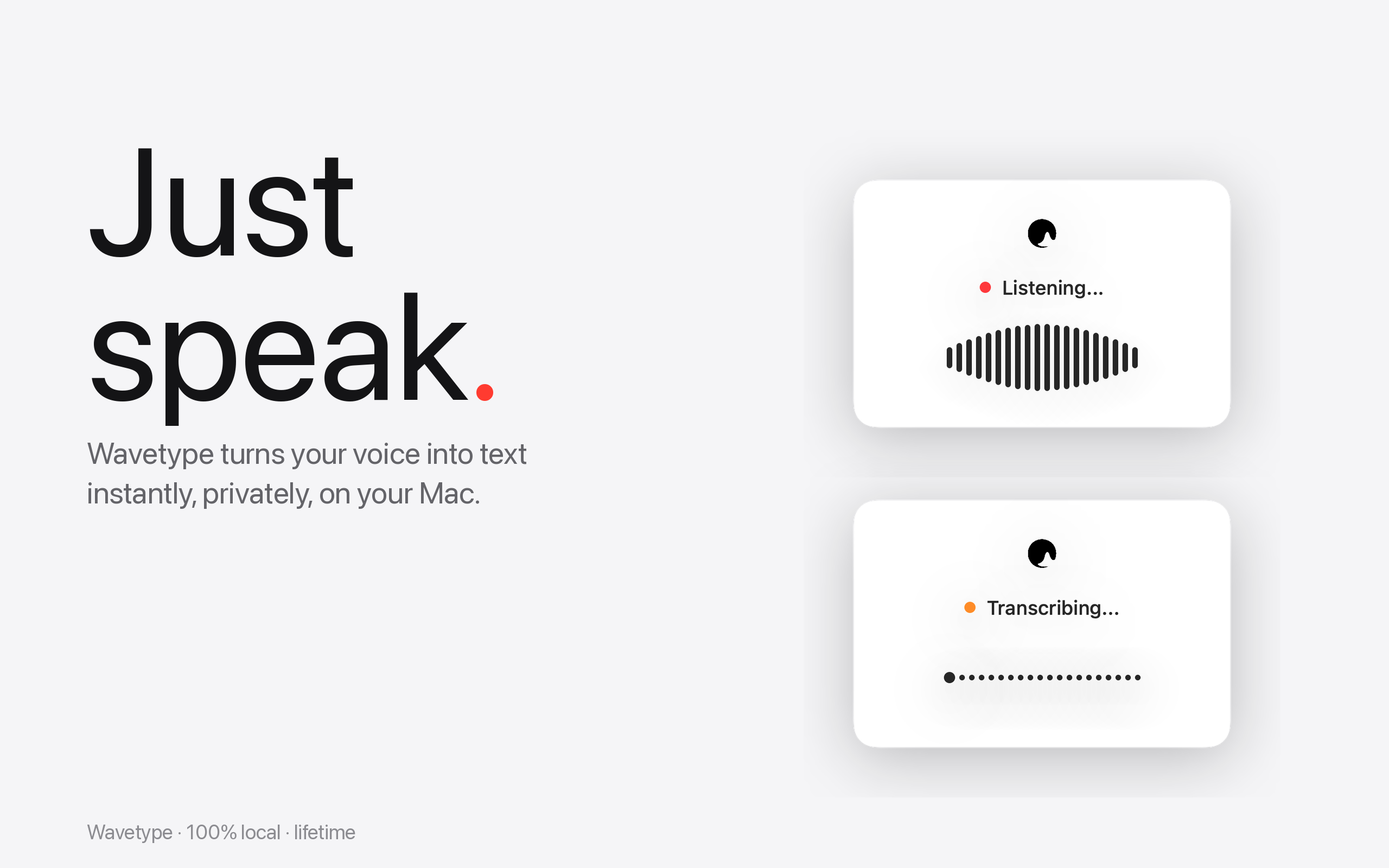
Hold a key. Speak. Release. Wavetype turns it into text — locally, with Whisper, no cloud, no account. Free to try.
Or download direct (.dmg, free trial)
Free trial · No account · Works offline · macOS 14+
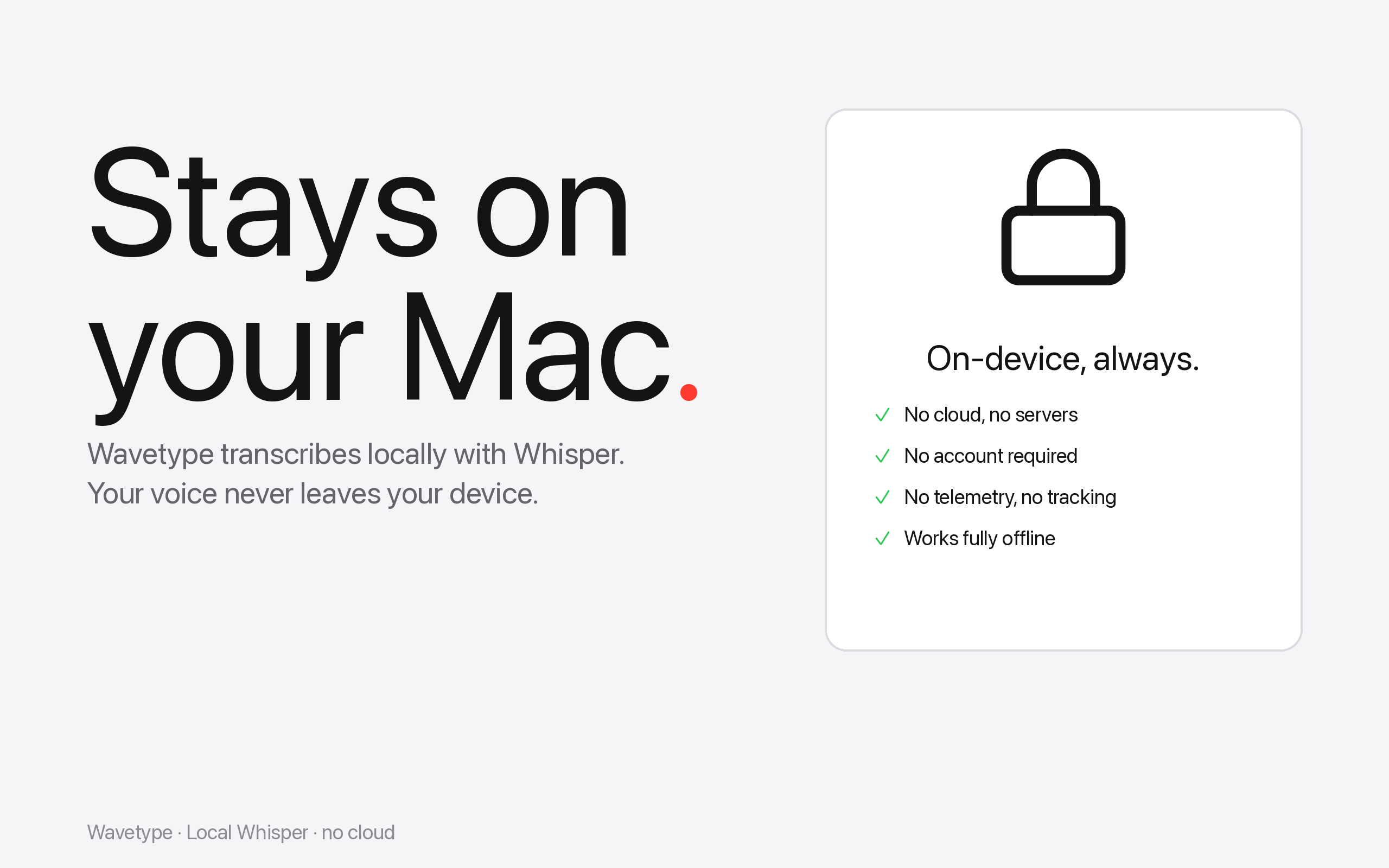
Whisper runs on your Mac. Your voice never leaves the device. No cloud, no servers, no telemetry. Works on a plane, in a tunnel, anywhere.
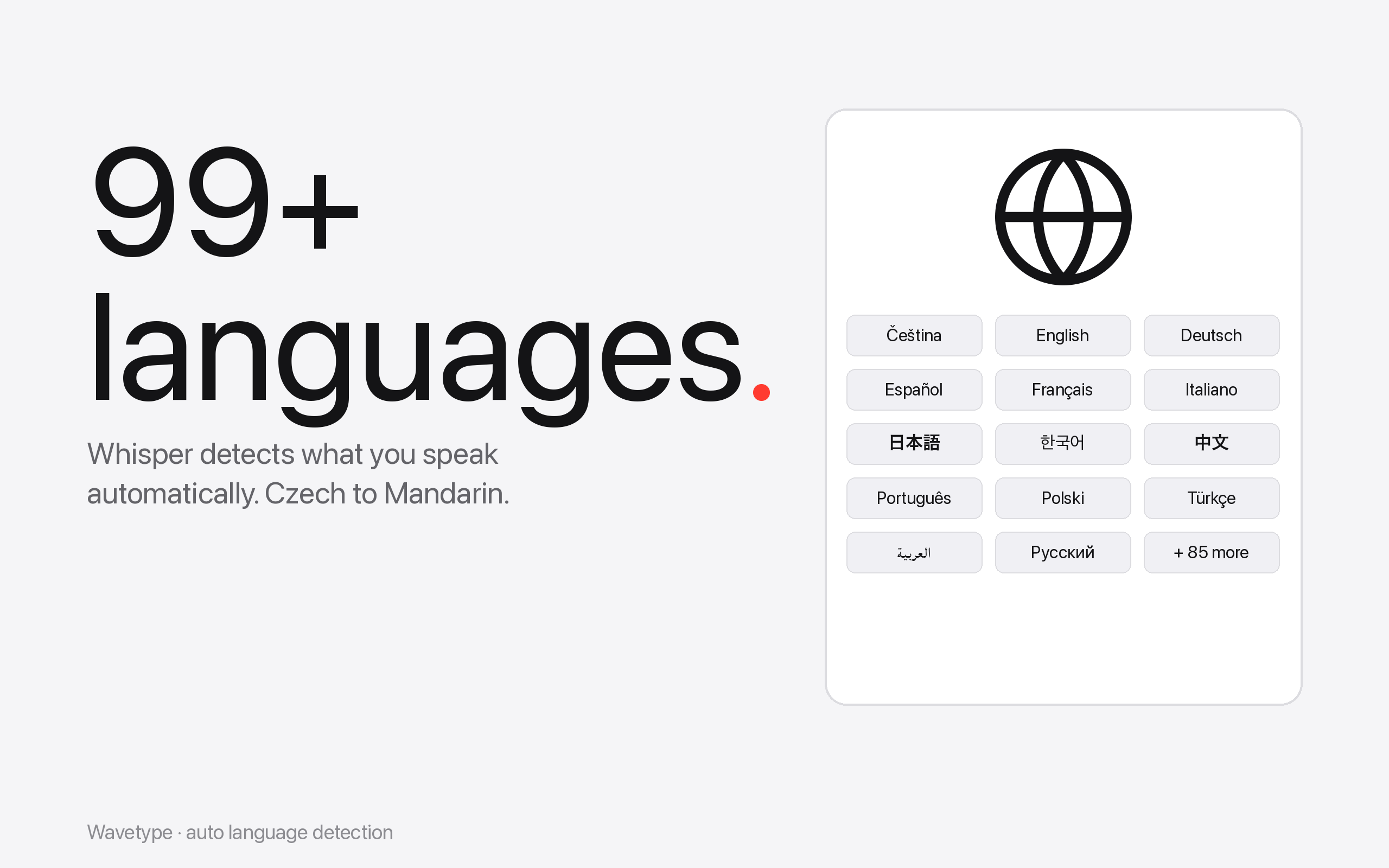
Switch from Czech to Mandarin to Japanese mid-sentence — Whisper figures it out. No menu fiddling, no language settings.
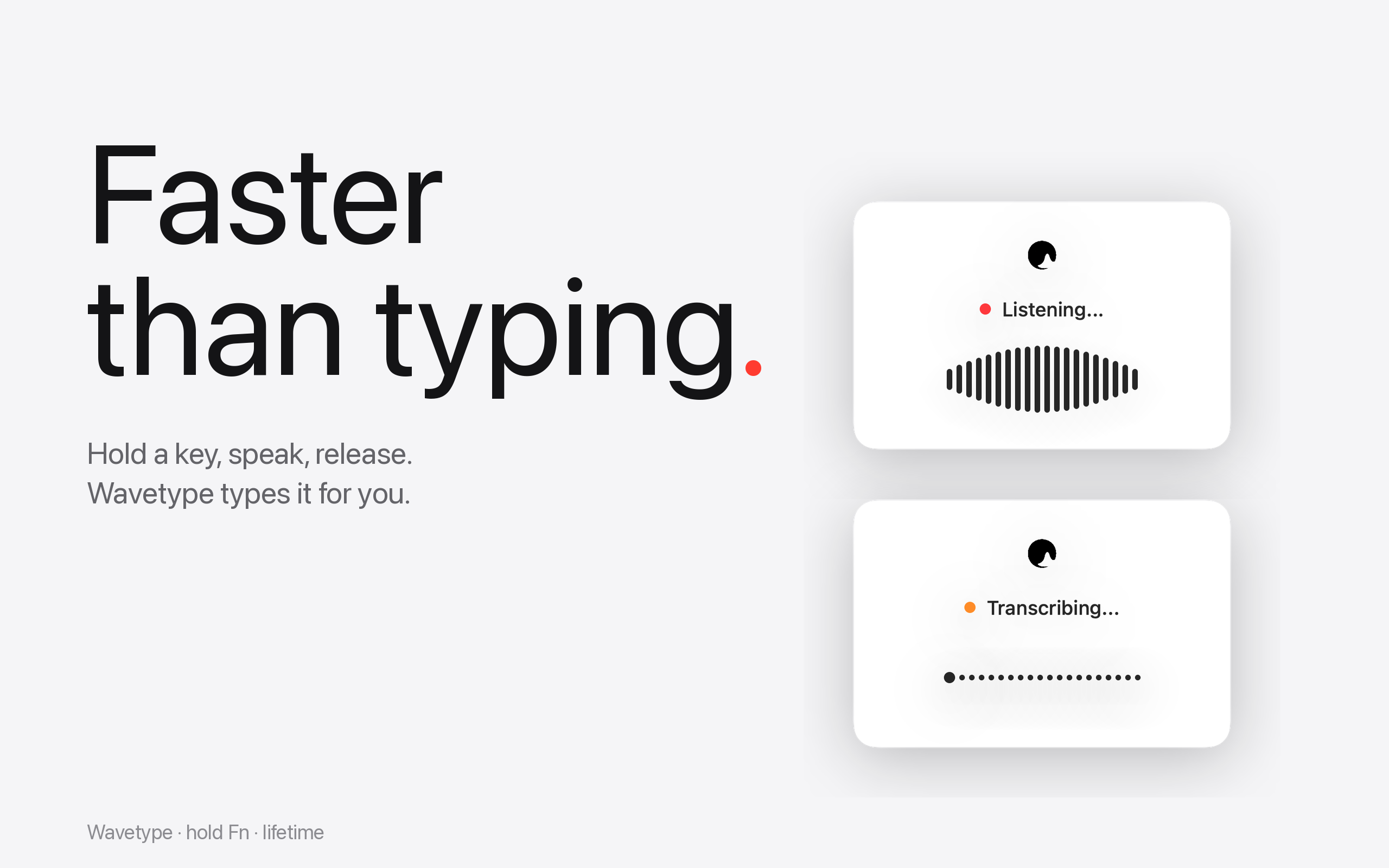
Hold Fn (or any shortcut you want), speak, release. Wavetype types your words straight into the field your cursor sits in.
There are a few good local-dictation tools for Mac. Here's how Wavetype compares on the things that matter day to day:
| Wavetype | MacWhisper | Superwhisper | |
|---|---|---|---|
| 100% local | ✓ | ✓ | ✗ |
| Auto-paste into any app | ✓ | ✓ | ✓ |
| Free tier | ✓ | ✗ | ✗ |
| 99+ languages | ✓ | ✓ | ✓ |
Apple Dictation is built into macOS and works well for many people. Wavetype is for the cases where you need a dedicated tool.
Hold the key, talk, release. Wavetype handles paragraph-long thoughts and full emails in one pass — no time limit, no auto-stop.
Whisper auto-detects 99+ languages on the fly. Switch from English to Spanish to Czech mid-sentence and the transcription follows.
After the first model download, Wavetype runs without internet — on a plane, in a tunnel, on an old MacBook. No Apple ID, no cloud round-trip.
Whisper adds commas, periods, paragraph breaks and capitalization automatically. Just talk — the model figures out the rest.
The Mac App Store edition is sandboxed (Apple's rules) and uses clipboard-paste. The direct edition adds auto-paste and auto-updates. Same Whisper, same privacy.
From the Mac App Store
macOS 14.0 or later · Apple Silicon & Intel
Direct from us
macOS 14.0 or later · Direct distribution · 30-day refund
Yes. Whisper runs entirely on your Mac via whisper.cpp. After the first model download (75MB–1.5GB depending on quality tier), transcription works on a plane, in a tunnel, with WiFi off — anywhere.
Your voice and transcripts never leave your device. No cloud servers, no analytics, no account, no telemetry. You can verify by checking Activity Monitor's Network tab — Wavetype's outbound traffic stays at zero.
The App Store version is sandboxed (Apple's rules), so it copies transcripts to your clipboard and you press Cmd+V. Pro adds auto-paste — text goes straight into the field your cursor is in. If you want the smoothest workflow, get Pro.
Whisper supports 99+ languages and auto-detects what you're speaking. The app interface itself is localized in 14 languages.
Wavetype uses three Whisper model tiers: Ultra Fast (English-only, smallest), High (large-v3-turbo, the default — handles dictation, accents, and technical jargon well), and Maximum (full large-v3, slower, highest accuracy).
Mac App Store: handled by Apple. Pro: 30-day no-questions refund — email wavetype.app@gmail.com.